Knowledgebase Article
A Payment Is Not Allocated Correctly
Category: Troubleshooting | Module: OfficePro | Created: 9/5/2026 | Last Updated: 9/6/2026
Problem
A patient who has paid still shows a balance, a payment shows as over allocated, or a credit has disappeared.
Background
Taking a payment and applying it to a visit are separate steps. Money can be correctly recorded and still not attached to anything, in which case the patient looks like they owe it. Most allocation problems are this, not a lost payment.
Resolution
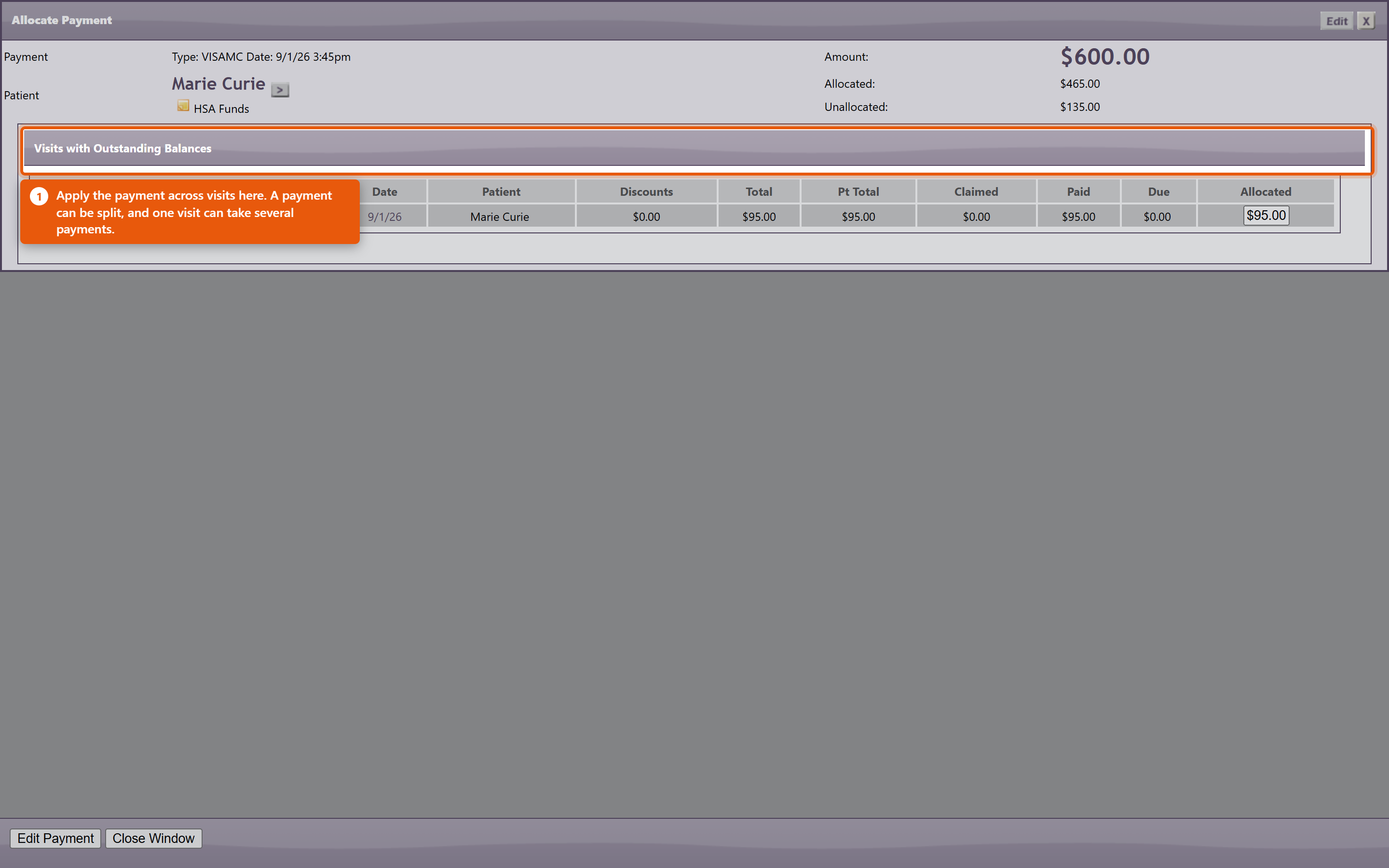
- The patient paid but still shows a balance. Check Unallocated Payments first. The payment is almost always there, recorded and not yet applied. Open it with Allocate Payment and apply it to the visit it was meant for.
- "This payment has been over allocated". More has been applied than the payment holds, usually after a visit was edited or a charge removed underneath an existing allocation. Use the clear allocations link on that message to release it, then allocate again from a clean start. Correct Over Allocation and Apply this correction handle the same problem in bulk.
- The visit balance looks wrong after editing charges. Changing what a visit costs does not re-spread money already allocated to it. Re-open the allocation and check what is actually applied against what is now owed.
- A credit vanished. Check whether it was allocated to another visit - a credit applied elsewhere has not disappeared, it has been spent. Untick that visit to release it.
- You cannot remove a negative row on a return. That is intended and OfficePro will tell you so. A product return records a $0.00 credit and holds the returned value as a negative amount on the return visit; that negative is the credit. Removing it would destroy the credit and leave the return visit unpaid at once. Untick the visit you applied the credit to instead, or refund it. If the return was itself a mistake, reverse the return rather than its credit.
- You are told there are return credits to allocate or refund. The patient is in credit from a return. Decide before you act: allocating it spends it against a visit, and it can then no longer be handed back without extra work. If it is going back to the patient, use Process Patient Refund and do not allocate it first.
The patient says they paid and there is no record at all
Search the patient's payments before assuming it was missed - a payment entered against the wrong patient or the wrong visit is far more common than one that was never entered. Check the same day's takings for an amount that matches. If it was taken by card, the approval or auth number on the terminal receipt is what ties it to the entry, which is why recording it at the time matters.
Preventing most of this
- Allocate on the day the payment is taken.
- Clear Unallocated Payments weekly rather than at month end.
- Finish editing a visit's charges before allocating money to it.
- Decide refund or credit before allocating anything.